August 3, 2026 · Hexagon Intergalactic
Lock your lights to the DJ
Ableton Link, Pioneer Pro DJ Link, MIDI clock, or a tap - pick the clock once, and everything in the rig lands on the beat.
In a real rig the tempo authority is most likely the DJ, not the VJ. You can chase a beat all night with a tap key or you can hand the rig the actual clock and spend your hands on the parts that need judgment.
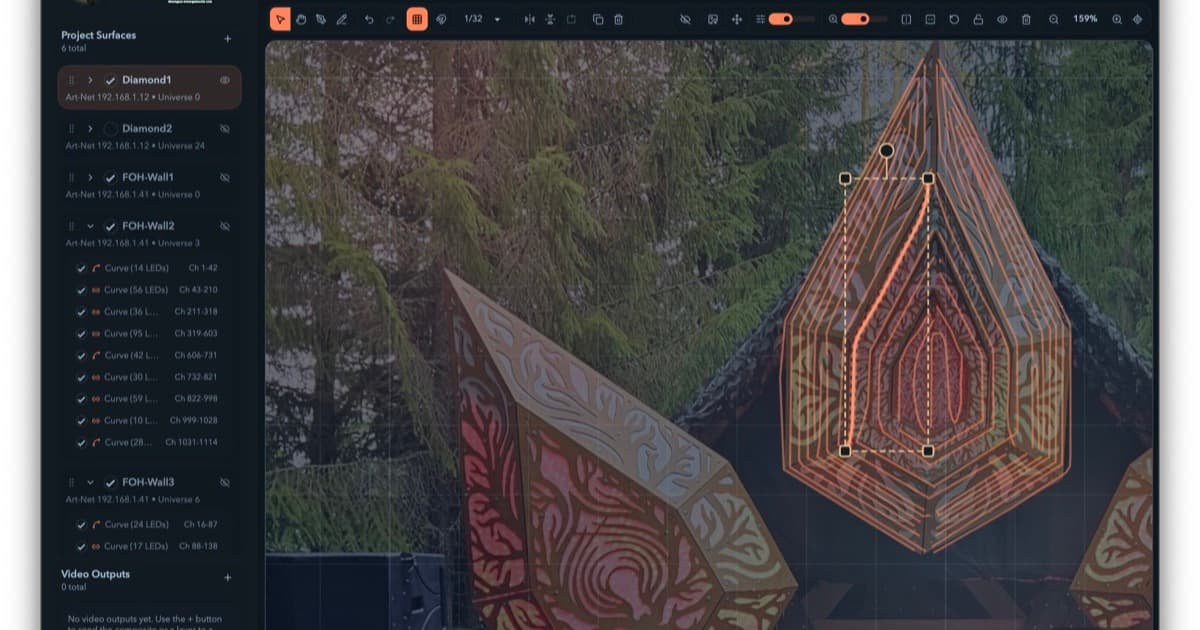
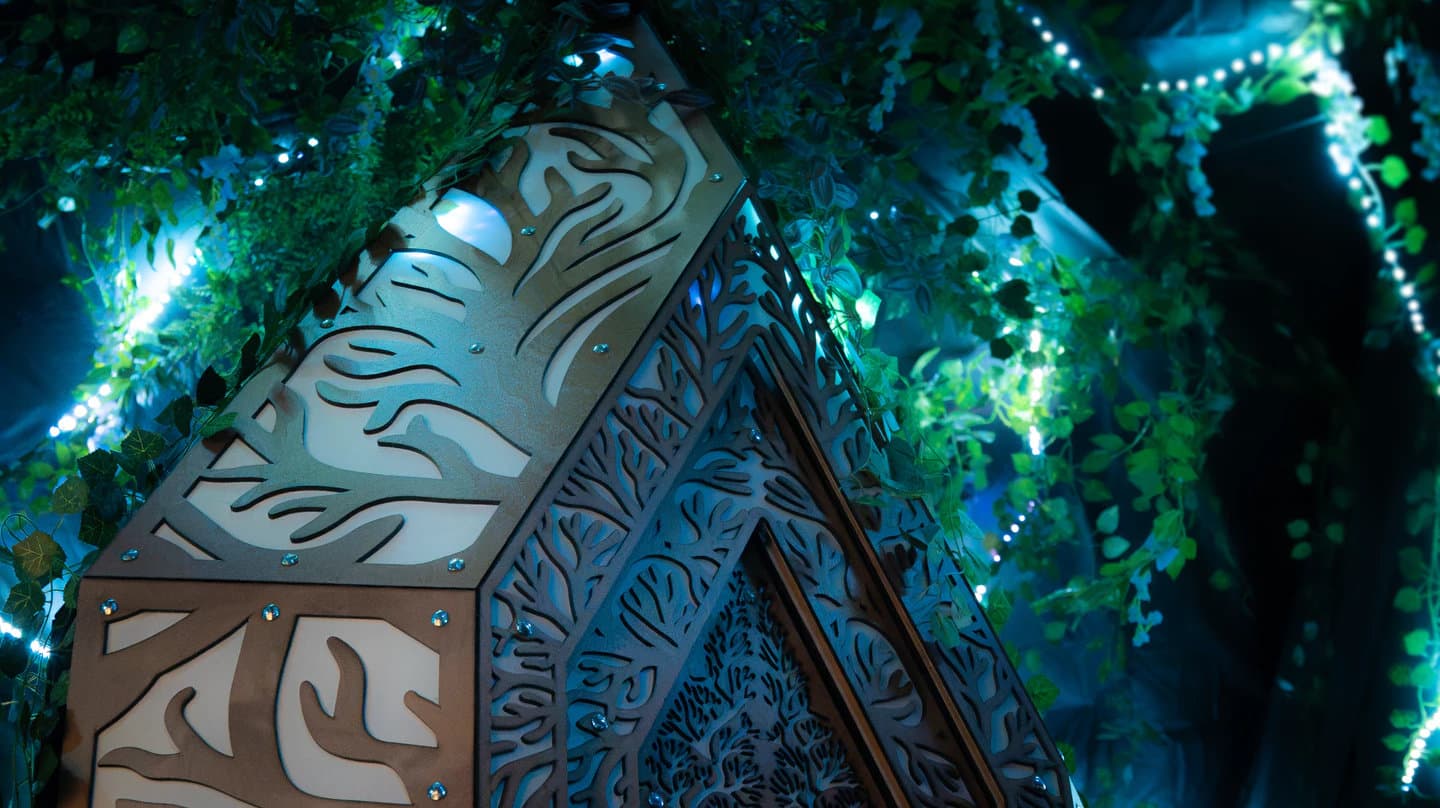
At Kosmos this summer the whole FOH ran on one clock: a machine running Pulse by Hybrid Constructs listened to the booth and shared a running BPM to everything on the network, and Ableton Link kept Resolume, TouchDesigner and Filament moving on the same beat for three nights. Nobody tapped anything. That's the setup this piece is about - what the clock options are, and what you get once the rig stops guessing.
Pick your clock
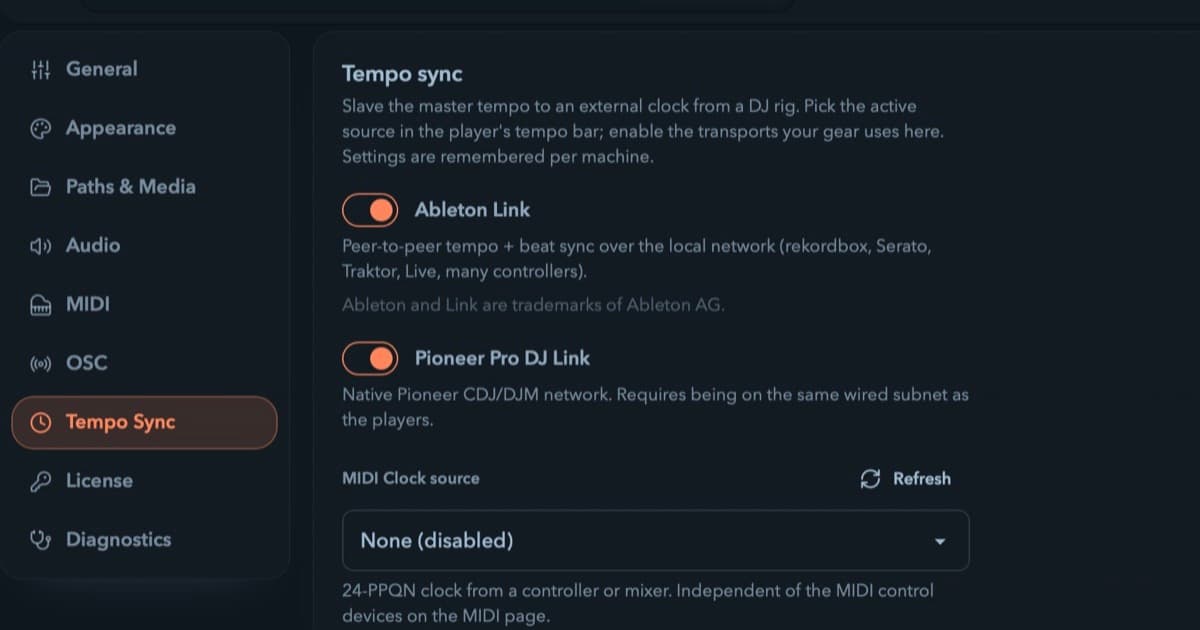
Filament follows three external sources, alongside its internal one:
- Ableton Link - tempo and beat phase over the local network. Anything else speaking Link joins the same beat: Ableton, rekordbox, Serato, Traktor, other laptops, phone apps. If your booth has anything modern in it, this is usually the easy answer.
- Pioneer Pro DJ Link - the CDJ/DJM booth network. Plug into the same wired subnet as the players and the rig follows whoever the tempo master is.
- MIDI clock - the lingua franca, 24 pulses per quarter note from a controller, mixer, or DJ app. One catch inherent to the protocol: bare MIDI clock carries no downbeat. A transport Start anchors the bar. If your gear sends bare clock, you anchor it yourself: the tap pad becomes Set downbeat under an external clock.
Enable the transports your gear uses under Settings → Tempo Sync, then pick the active source in the master bar's tempo selector. Sync never grabs the wheel uninvited - external sources are one click away but Internal is always the default, and after a relaunch you start on Internal again. No show ever starts synced to something invisible. And which transports are enabled is a per-machine rig setting, not a project setting. Rigs differ from venue to venue, and your project shouldn't care which booth it's in tonight.
The controls that appear once you sync
While an external source is master, the BPM knob goes read-only. It still shows the live tempo, you just can't fight it. Three controls appear:
- Phase lock, the magnet button, on by default. This is the difference between "same BPM" and "same beat": it aligns Filament's bar to the source's downbeat, so beat-synced motion sits in the music instead of near it.
- Tempo multiplier - half, one, or double time. The right feel for lights is often half the DJ's BPM. A 145 BPM techno set usually wants the room breathing at 72.5, not strobing at every kick. The multiplier snaps to exactly 0.5×, 1×, or 2×, and phase lock keeps the bars aligned either way.
- Set downbeat - the tap pad, repurposed. Tap once on the DJ's downbeat to re-anchor the bar. This is how you land the bar on bare MIDI clock, and how you correct a mis-anchored CDJ without touching anything else.
When the clock disappears
Because it will. Someone unplugs the booth switch, the Link peer closes their laptop, the DJ hits stop between sets. Filament's answer is to freewheel: the rig holds the last known BPM and keeps marching, and the status pill at the end of the tempo cluster says sync is lost and shows the BPM it is holding. When the signal comes back, it re-locks on the next tick. Losing the clock never lurches the show.
What the clock buys you
Once the clock is right, everything in Filament that moves can follow the beat:
- Animations sync to BPM by default - a cycle per 1/8, quarter, half, bar, two, or four.
- Video clips can retime their loop to a bar count instead of a speed.
- Autopilot advances layers in beats, so looks change on phrase boundaries instead of mid-build.
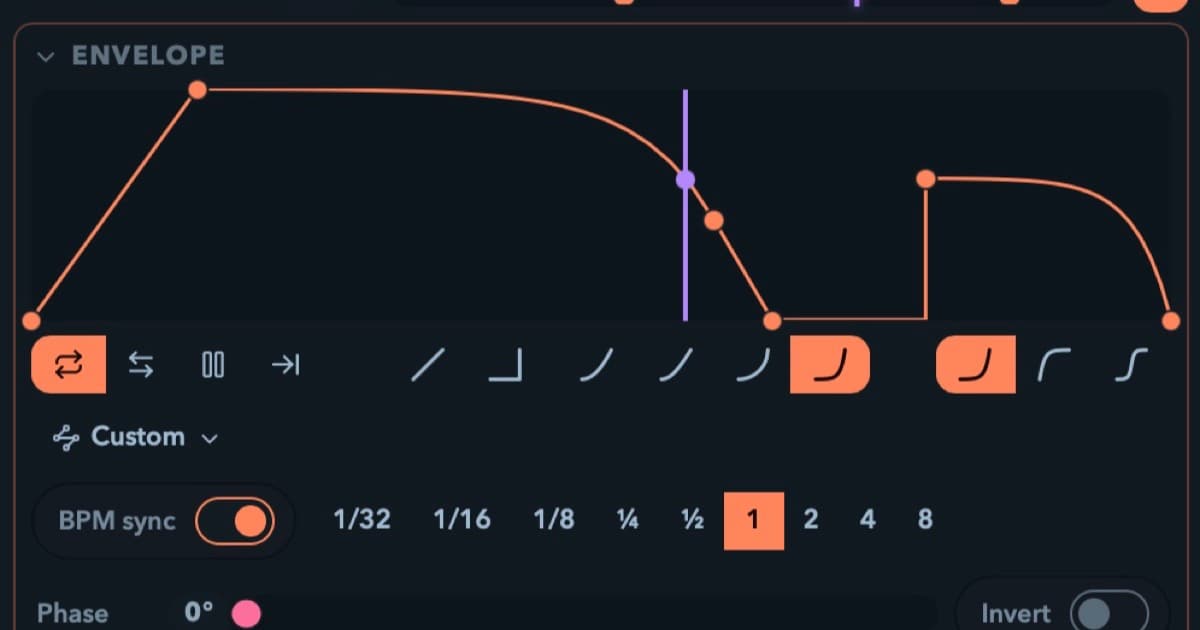
- Envelopes and LFOs run in bar lengths, from 1/8 of a beat to 8 bars.
On the floor nothing drifts, and drops land everywhere at once.
Note: This is a Session-view feature. A composed timeline show runs on the wall clock. External sync suspends in Arrangement view and picks back up when you flip to the grid. That's by design. A theater cue sheet following a drifting CDJ is nobody's idea of a good time.
If there's no booth to test against, T is tap tempo, and tap plus beat-synced everything already covers a lot of small rigs. The trial is the full editor. No signup, no time limit: put a clock on your own strips and play around with it.
tempo-sync · live-performance · midi