What is Filament?
Filament is a professional desktop LED and projection mapper and video mixer. Map your LEDs in space, then drive them live with animations, video, effects, and external streams.
Filament is a desktop app for mapping physical LEDs and driving them live, with screens and projectors driven from the same show. Think of it as a focused replacement for the "Advanced Output" side of a Resolume rig: if you've ever wrestled with that panel trying to get string lights, WLED boxes, or matrix panels to behave, Filament gives that job its own tool — and it imports and exports Resolume's Advanced Output XML, so the two play nicely together. You map your fixtures in space, then mix animations, video files, effects, and live streams across a grid of layers and send the result out in real time — to your LED hardware over DMX, and to monitors and projectors with full projection-mapping warp.
Who is this for?
- VJs and live performers who want to drive LED installations without drowning in channel numbers
- Installation artists building with WLED-powered strips and matrices
- Anyone sending DMX over a network with Art-Net or sACN
- Resolume users who want a dedicated visual tool for the mapping side — and the option to play straight out of Filament
You don't need to be an electrician or know what "universe 3, channel 47" means to start. Draw your LEDs on a canvas, point them at your hardware, light them up, then mix a show on top.
How Filament fits into your setup
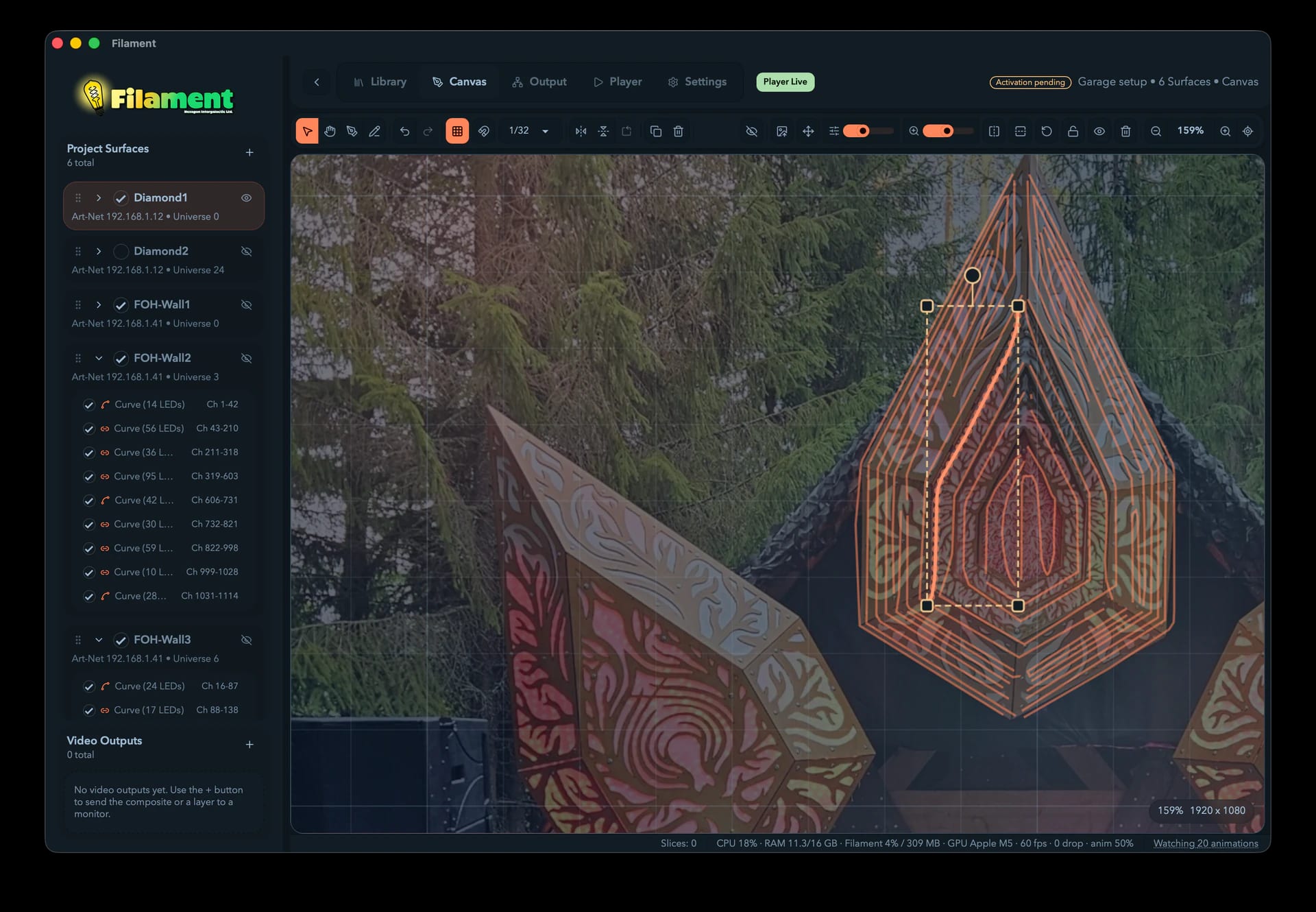
- Map your stage — draw Bezier curves on a virtual canvas that matches your space. Each curve becomes a strip of LEDs.
- Assign fixtures — tell Filament what kind of pixel sits on each strip (WS2812, matrix, etc.)
- Route to hardware — give each Surface an Art-Net or sACN destination and universe.
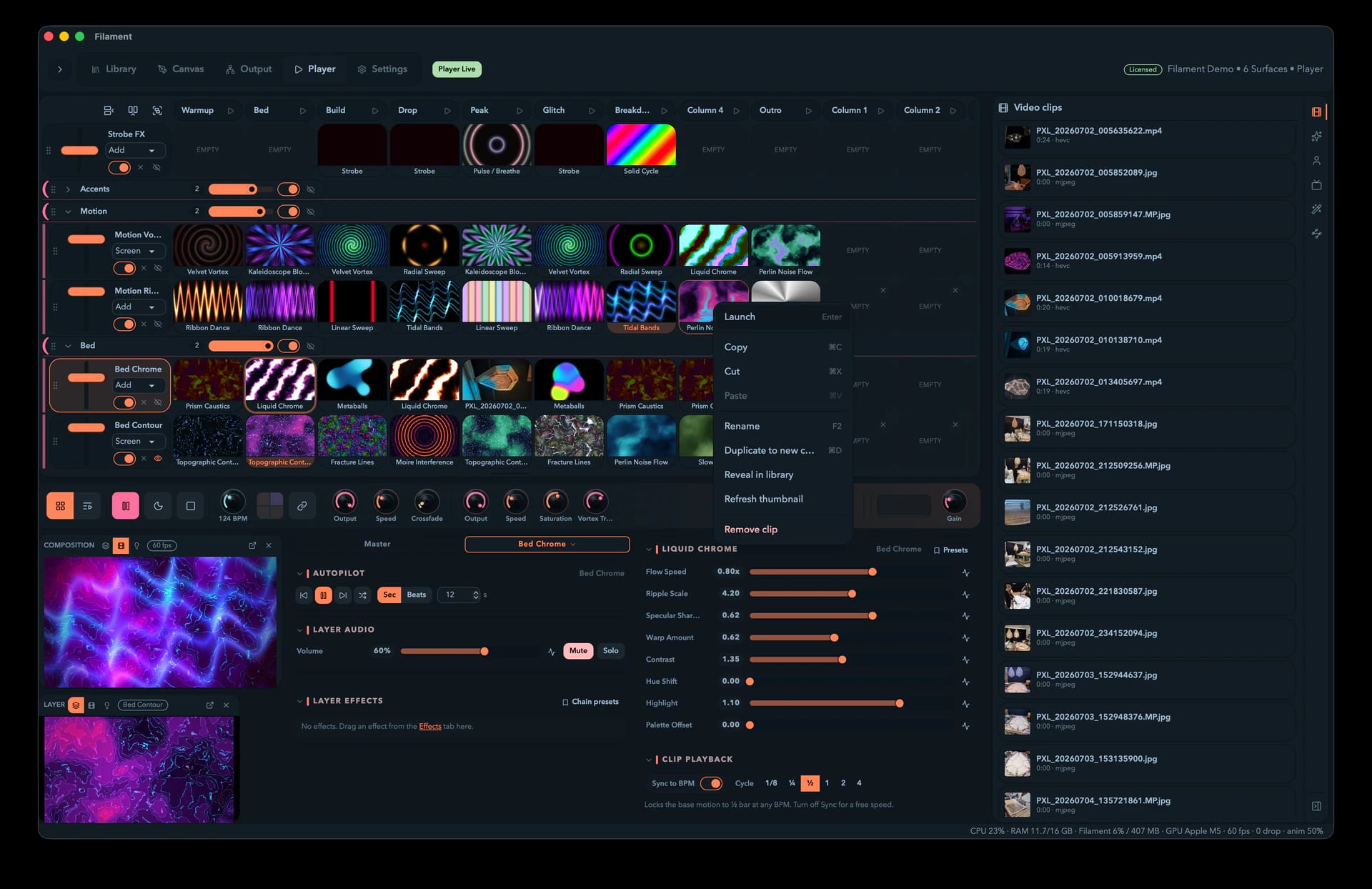
- Build a show — fill the Player grid with animations, video, and live streams; stack them in layers; add effects.
- Play live — mix layers, ride effects, sync to the beat, and send the blend to your LEDs.
- Or compose it — flip to the Timeline and lay clips, audio, and automation on tracks over time, for a show that runs the same way every night without you standing over it.
- Send to screens — route the composite, a group, or any single layer to a monitor or projector and warp it onto the surface with projection mapping, masking out what shouldn't be lit. The same outputs can share to other apps (Syphon / Spout / NDI) or record to a file.
- Export to Resolume (optional) — when you'd rather Resolume drive the rig, File → Export XML… writes a file its Advanced Output reads directly.
System requirements
Filament is a native app for macOS 13 (Ventura) or later, Windows, and Linux (x86_64; .deb, .rpm, or AppImage packages). NDI is not available in Linux builds. NDI licensing prevents shipping its binaries there; Art-Net, sACN, and everything else are unaffected. The renderer runs on the GPU, so a working GPU is required to launch. Without a usable graphics adapter, Filament shows a Filament requires a GPU screen instead of opening. See System requirements for the details and fixes.
Live streams: which protocol on which platform
Filament can pull a live video feed straight into a cell as an external source. Which providers you get depends on your OS:
| Provider | Platform |
|---|---|
| NDI | macOS and Windows |
| Syphon | macOS only |
| Spout | Windows only |
See External sources for discovering, mapping, and reconnecting feeds.
Trial vs. paid
You can map, mix, and preview a full show on the trial. Three things are gated behind a paid license:
- Resolume XML export (and fixture-library export) is paid-only.
- Uninterrupted live output is paid-only — on the trial, Filament disrupts the dmx output about every 20 seconds.
- Clean video output is paid-only — on the trial, a watermark covers the video.
See Licensing and Trial for the full trial behavior and how to activate.
The main sections
Getting Started
Create your first project and learn the workflow
Mapping
Set up Surfaces and fixtures, draw layouts, and route DMX
The Player
Build a clip grid, mix layers, add effects, and play live
The Timeline
Compose a show on tracks and play it back frame-exact, every run
Video Outputs
Send the show to monitors and projectors with projection-mapping warp and masking
Settings
Devices, paths, audio, MIDI, tempo sync, and licensing
Keyboard Shortcuts
Every key, grouped by where it works
Export to Resolume
Hand your mapping off to Resolume Advanced Output XML
Key concepts
Surface — One routed DMX output: a protocol, destination, universe, and channel space for one physical controller. Add as many as you have controllers, or import them from a Resolume Advanced Output config.
Fixture — The pixel type on your strip, from a single WS2812 LED to a 16×16 matrix panel. It tells Filament how many DMX channels each pixel takes and in what color order (RGB, GRB, or BGR).
Curve — A Bezier curve drawn on the canvas; give it an LED count and fixture type and Filament spaces the LEDs along it and assigns channels in sequence.
Slice — A single LED (pixel) on the canvas. A 60-LED curve makes 60 slices — the lowest-level DMX element.
Layer — A row in the Player grid that holds clips and blends over the layers beneath, with its own opacity and blend mode.
Column — A vertical slot in the grid; cueing one launches its clips across every layer at once.
Cell — One layer × one column. Holds a single clip, or sits empty.
Clip — The content in a cell: a built-in or custom animation, a video file, a still, or a live external source (NDI / Syphon / Spout).
Effect — A GPU filter dropped on a clip, layer, or the master output (blur, pixelate, color correction, trails, and more).
Palette — An ordered list of colors that palette-aware animations sample; switch palettes to re-tint a whole look instantly.
Session / Arrangement — The Player's two views of the same project. Session is the grid you play by hand; Arrangement is the Timeline you compose on. Tab switches.
Video output — A route that sends rendered content to a monitor, projector, another app, or a file. Each output is a stack of slices, and each slice carries the composite, a group, or a layer, with its own crop, warp, and mask — so you can projection-map several pieces of content into one projector's frame.